Copy
Add new files and update changed ones. Anything else already at the destination stays there.
Safe everyday default VeriCopy
File transfers you can trust
Move important folders without learning a command line or crossing your fingers. VeriCopy preserves the Mac details that matter, checks every included file, and tells you exactly what happened.
Four clear choices
Pick what you mean in plain language. VeriCopy shows the consequences before it touches a file.
Add new files and update changed ones. Anything else already at the destination stays there.
Safe everyday defaultMake the destination match the source, including removing destination-only items after confirmation.
For true mirrorsRemove each source item only after its destination copy has passed verification.
Verified before removalFind changed, missing, and extra files without changing either folder. Compare stays fully free.
Read-only, always freeNo terminal required
VeriCopy turns a technical file operation into three understandable decisions. The app keeps the careful defaults visible without making you manage them.
Choose or drop the folder that contains the files you care about.
Send them to another folder, connected drive, NAS, or supported network volume.
Copy, mirror, move, or compare. Preview potentially destructive work before it begins.
The proof
Every job ends with a clear result that separates files copied, files verified, and files not checked. Save a completion certificate when you need a record you can read later.
VeriCopyCareful by default
File contents matter most, but a dependable Mac transfer also needs to respect dates, permissions, metadata, links, and the destination filesystem.
SHA-256 checks confirm that source and destination file contents match, not just their names or sizes.
Keep modification and creation dates, permissions, extended metadata, resource forks, and ACLs when the destination supports them.
See what a transfer plans to change without changing either folder. Destructive modes require clear confirmation.
Every finished, failed, or stopped job leaves a detailed log, and saved folder pairs make repeat transfers easier.
VeriCopy Complete
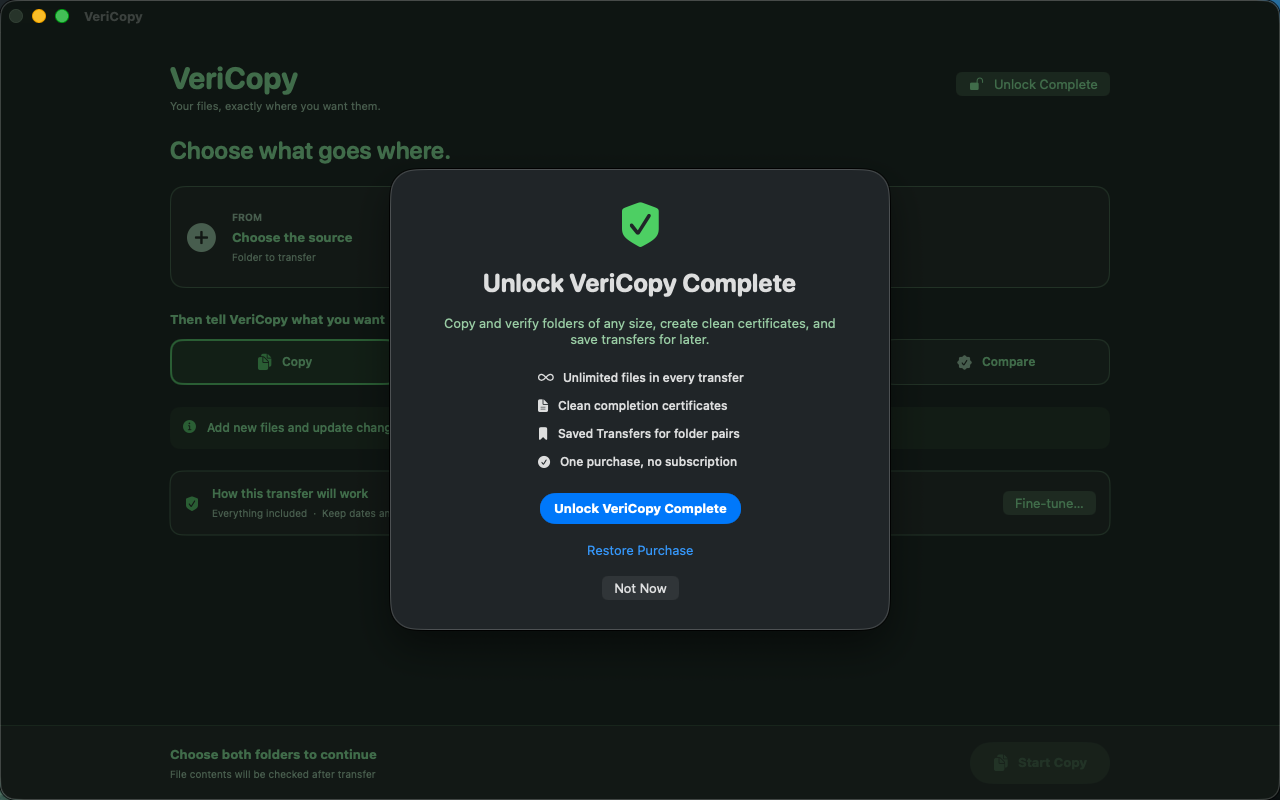
The free edition transfers jobs containing up to 200 files, includes the full careful workflow, and keeps Compare fully available. VeriCopy Complete unlocks unlimited transfers, clean completion certificates, and Saved Transfers.
Your files stay your files
VeriCopy performs file transfers and verification on your Mac. It does not require an account or send your folders to a proprietary cloud service.
Read Vertolini’s privacy policyComing soon for macOS
VeriCopy is preparing for release on the Mac App Store.